
Illustrator Gradient Mesh Project
Illustrator Gradient Mesh Practice:
Candle Topper Study
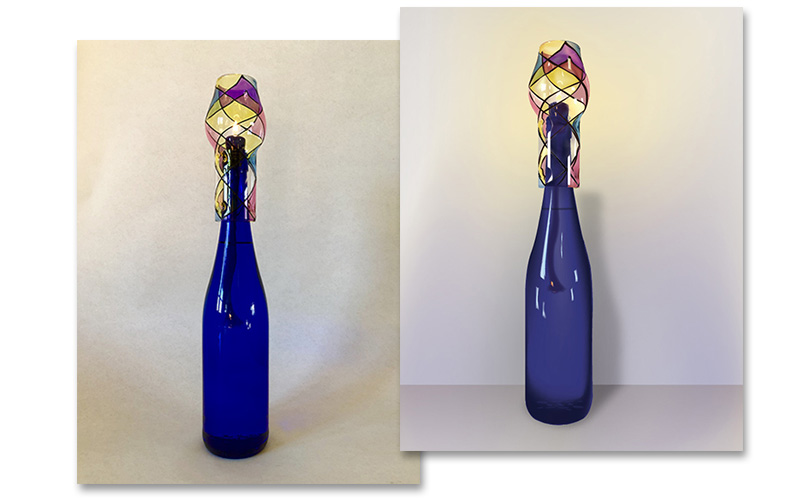
This project focused on mastering the Gradient Mesh and Gradient tools in Adobe Illustrator through the recreation of a real-world object as a vector illustration. Inspired by a candle topper I had recently received, I first photographed the object using a DIY white box setup I constructed for optimal lighting and clarity.
The goal was to capture the subtle depth, reflections, and metallic qualities of the topper using only vector shapes and mesh gradients — no raster effects. This hands-on exercise helped me refine my ability to translate dimensional, reflective objects into clean, scalable artwork.
Key Skills and Techniques
- Created a custom white box to enhance product photography
- Used Adobe Illustrator's Gradient Mesh Tool to simulate depth and realism
- Applied line gradients to enhance visual contrast and shape definition
- Developed a detailed vector rendering from original photography